How the current QR photo service works
The current Magic Mirror package is paperless. Guests scan a QR code to receive and save their photographs, and the host receives a full digital folder after the event. Printed photographs are not included in this offer. Confirm the delivery process and any timing requirements when arranging your booking.
Check the connection at the equipment
A venue saying “we have Wi-Fi” is a starting point. Check that the connection works at the booth position and share any login details, captive portal or network restrictions with the team. A connection available at reception may not work well in the chosen room. If Wi-Fi is unavailable, discuss that before booking; alternative power does not supply internet access.
Help guests without assuming everyone has the same phone
Some people may need assistance scanning or saving a picture. Ask how that will be handled before the event, especially if easy access to photos is a priority. If a guest cannot use the QR code or venue Wi-Fi, ask which alternative arrangements can be agreed before booking.
The prop box in action
Real guest moments and Magic Mirror setups from the existing marketing gallery. Use them to describe the look you like; your quotation lists the equipment and finish selected for your event.
Current Magic Mirror photos are paperless. These pictures show guest and setup ideas; backgrounds and equipment vary by booking.
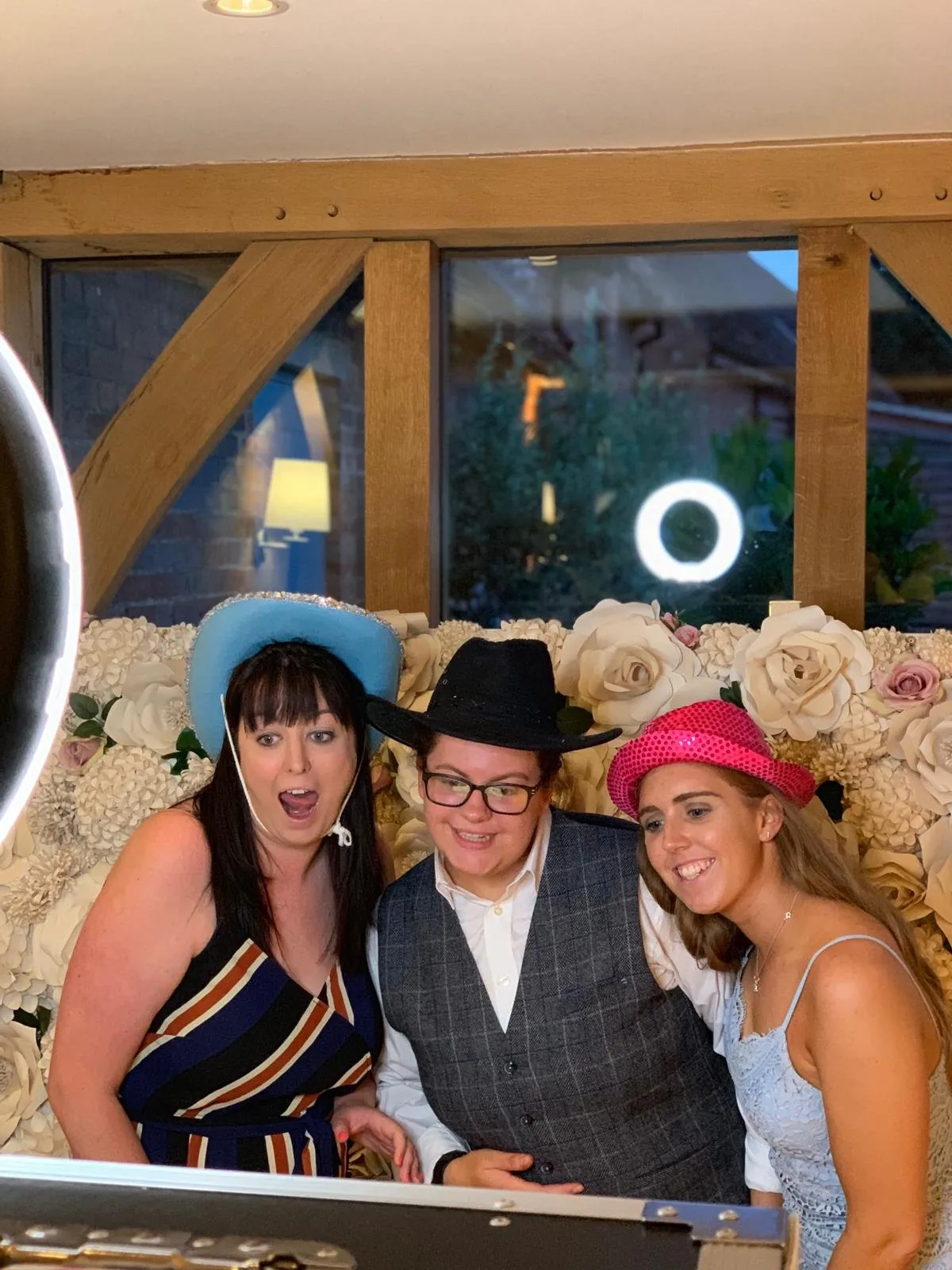
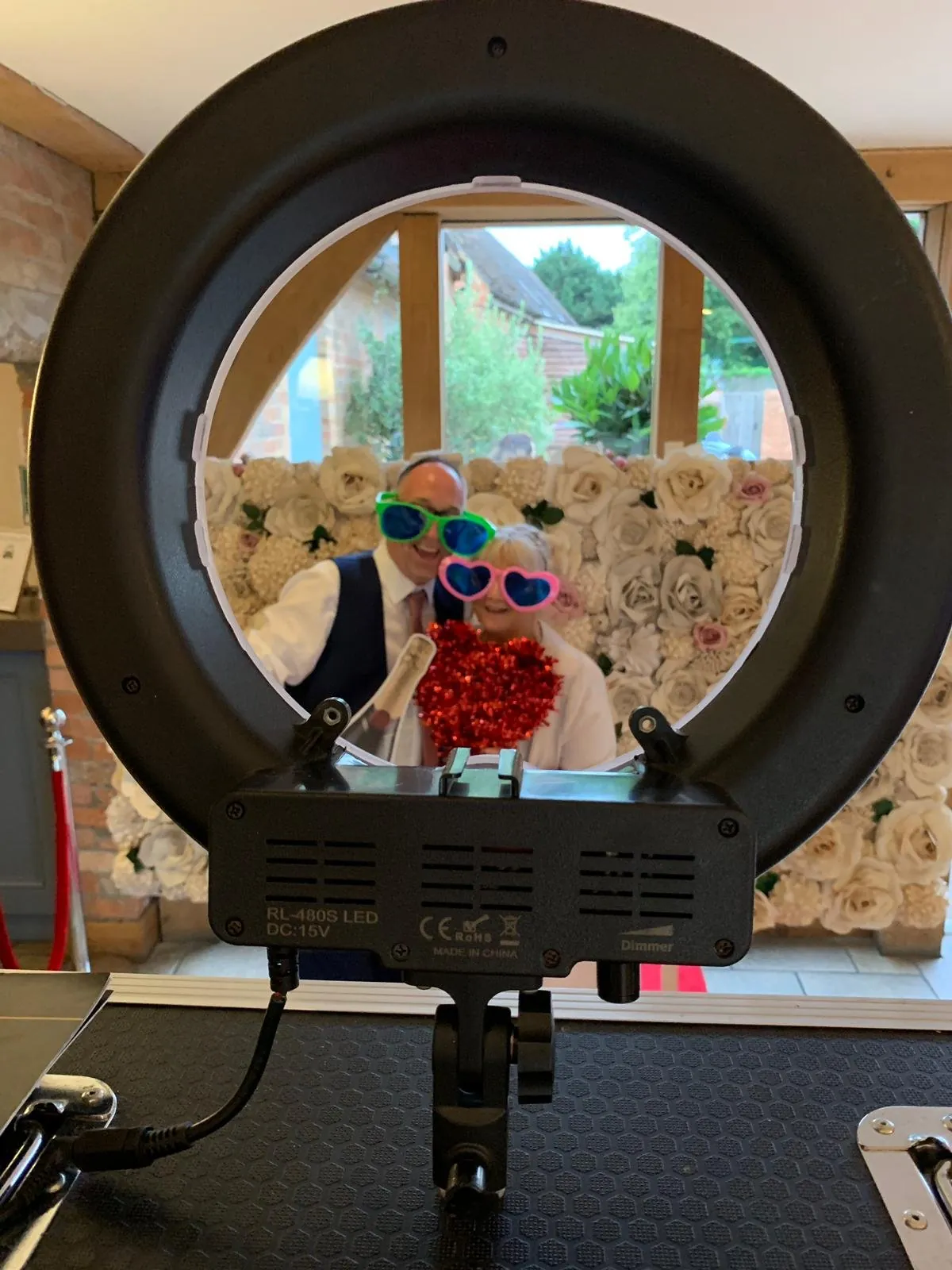
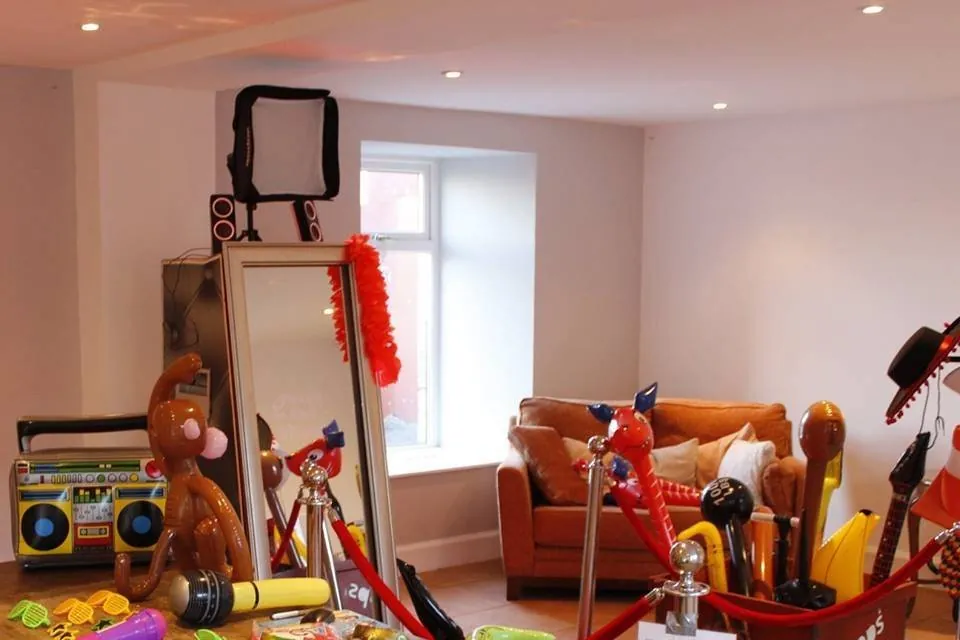
The Mirror prop box
The published Mirror offer includes hats, wigs, glasses, inflatables, signs and more. Guests can return for unlimited visits within the booked time and vary the people or props. Specific colours, custom messages, themed pieces or a particular backdrop should be requested and confirmed in the quote.
A clear plan for the host folder
Agree who will receive the full digital folder and check the contact details through the booking process. Ask about the delivery method, access and any retention period you need to understand. Confirm whether any download link has an expiry date, then download and keep your own copies after delivery.
Plan how the photographs will be used
Tell guests about the experience and intended photo access. If you want to publish pictures beyond the event group, discuss permissions and expectations with the people involved. The privacy notice explains the current preview enquiry position; the live workflow will be confirmed before enquiries open.